duo-iphone.com›Guides›iPhone Duo eSIM: what changes without a SIM tray
Guide

iPhone Duo eSIM: what changes without a SIM tray

iPhone Duo uses dual eSIM. For most users that is straightforward, but checking carrier support before switching is still worthwhile.
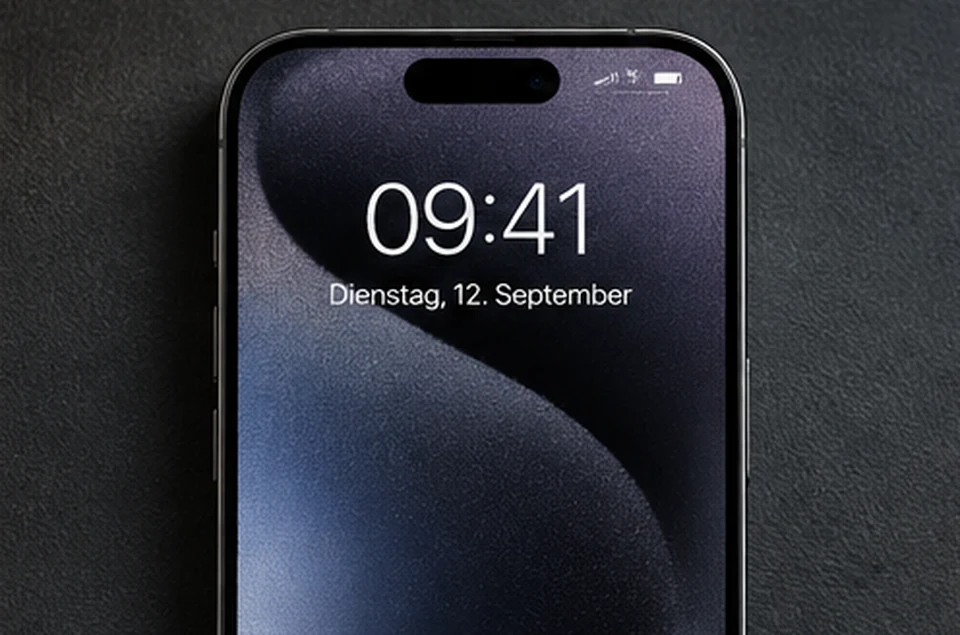
AI-generated editorial illustration showing a smartphone lock screen; not authentic product photography
Editorial topic illustration, not an original product photo.

Dual eSIM instead of a SIM tray

Two eSIMs can be active at the same time on iPhone Duo. Physical SIM cards are not supported, so confirm that your carrier can provide or convert your plan to eSIM before switching.

  • Confirm eSIM availability
  • Keep activation details ready
  • Check company-plan approval requirements
  • Consider a travel eSIM before international trips

When changing devices

Depending on the carrier, an existing eSIM may transfer digitally or require reactivation. Schedule the move when you have access to your carrier account and support options.

Get your eSIM ready before switching

  1. Check your carrier: Confirm your plan can be activated as an eSIM on iPhone Duo. Direct eSIM transfer is not supported by every carrier.
  2. Prepare activation: Depending on your carrier, setup may happen during first-time configuration, through Quick Transfer or with an activation QR code.
  3. Test service: Check calls, mobile data and your number before erasing the old phone. Contact your carrier if activation fails.

Apple Support: Set up and transfer eSIM ↗ · Preorder and prices →

Travelling with eSIM

eSIM can make it easier to add a second plan. Your main line can remain active while a separate travel eSIM handles mobile data abroad.

Frequently asked questions

Can I insert my existing physical SIM?

No. iPhone Duo does not support physical SIM cards; the mobile plan needs to be available as eSIM.

Can I use two numbers at once?

The device supports two active eSIMs simultaneously. Specific service features can still depend on the carrier and plan.

Related guides

Explore more guides

All model, accessory and setup information in one place.

Guides →