Should I make a backup first?
Yes. Even if you use Quick Start, a recent backup provides an additional safety net.
A well-prepared device migration saves time. Backup, eSIM and access to important accounts should all be sorted before you start.
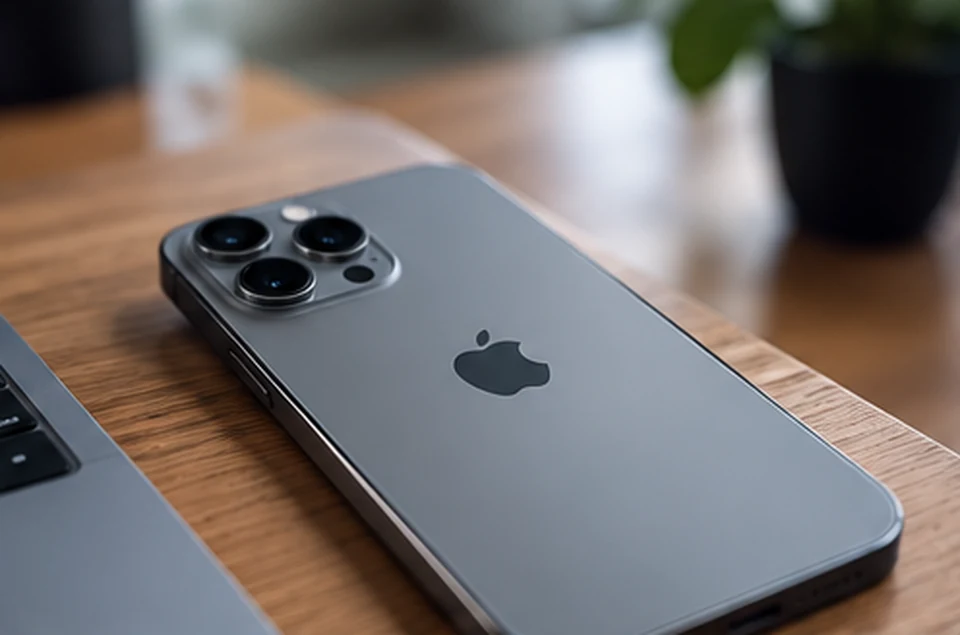
Apple Quick Start can transfer data directly or restore information from iCloud. The exact flow and cellular activation depend on the devices, software and carrier. Complete these checks before erasing your old iPhone.
Confirm a recent iCloud or computer backup, Apple Account credentials and recovery methods. Check whether your bank and authenticator apps require separate transfer procedures.
Update your devices, turn on Wi-Fi and Bluetooth on the existing iPhone, and keep both phones close during setup. Make sure you have enough battery or access to power.
Turn on the new phone and follow the prompts. Choose direct transfer or iCloud restoration. With direct transfer, keep both devices available until completion.
iPhone Duo uses eSIM. Check the activation method supported by your carrier before switching off the old service. Test calls and mobile data after activation.
Open photos, messages, contacts and essential apps. Test banking, authenticator and Wallet separately. Keep the old device as a fallback until the new phone is ready.
Update your current iPhone and make sure a recent backup exists. Keep your Apple Account credentials, device passcode and carrier account access available.
Apple's Quick Start can transfer much of your data directly. Restoring from a backup is another option. The best method depends on storage, internet connection and available time.
Verify photos, messages, important apps, Wallet items and mobile service. Do not erase the old device until essential data and accounts work correctly on iPhone Duo.
Use the time before Apple’s announced retail launch to verify your latest backup, recovery options and carrier eSIM activation. Ordering on 16 October does not replace device preparation. Erase the old phone only after checking data, calls and important apps.
Yes. Even if you use Quick Start, a recent backup provides an additional safety net.
Depending on the carrier, it may transfer digitally or need reactivation. Check the process before switching devices.